
The Conversion Lab
Almost every guide to image formats will tell you that WebP is smaller than PNG, or that JPG is smaller than everything. Pages on this site used to say things like that too. The problem is that such claims are only true for some pictures, and the exceptions are not small: on our own PNG → JPG page a photograph shrinks by 85%, while a screenshot of an application grows by 142%. Same page, same settings, opposite advice.
So we stopped asserting and started measuring. Every converter listed below now runs against the same small set of test images, and the file sizes printed on those pages are the bytes that actually came out of the tool in a real browser. This page documents how that is done, what we chose not to measure, and where to get the test files if you want to check our numbers.
The test files
A benchmark is only as honest as its inputs. We deliberately did not use stock photographs: they come with licences, they cannot be republished, and a number nobody can reproduce is not evidence. Instead all four images are drawn from scratch by a script with a fixed random seed, so the exact same bytes come out every time — and every source file is published below for download. Each one is picked to break a different compression assumption.
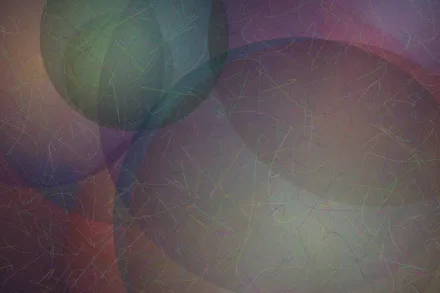
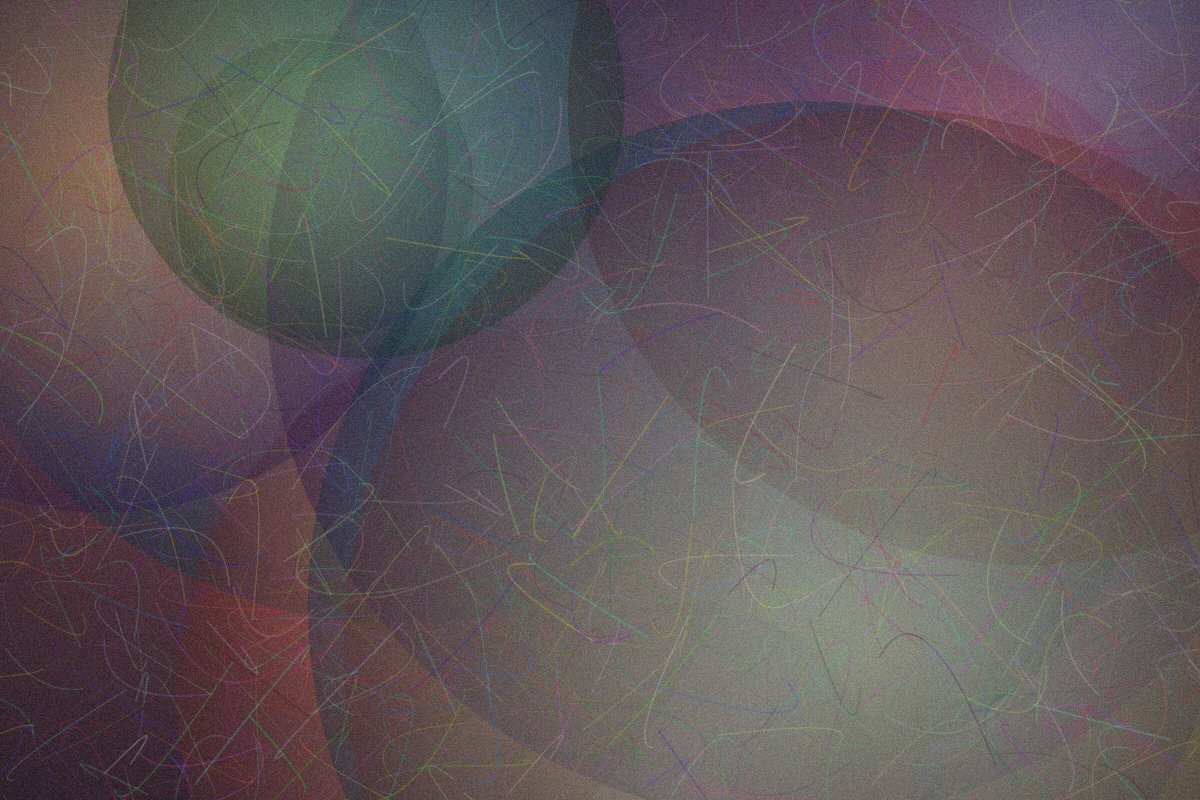
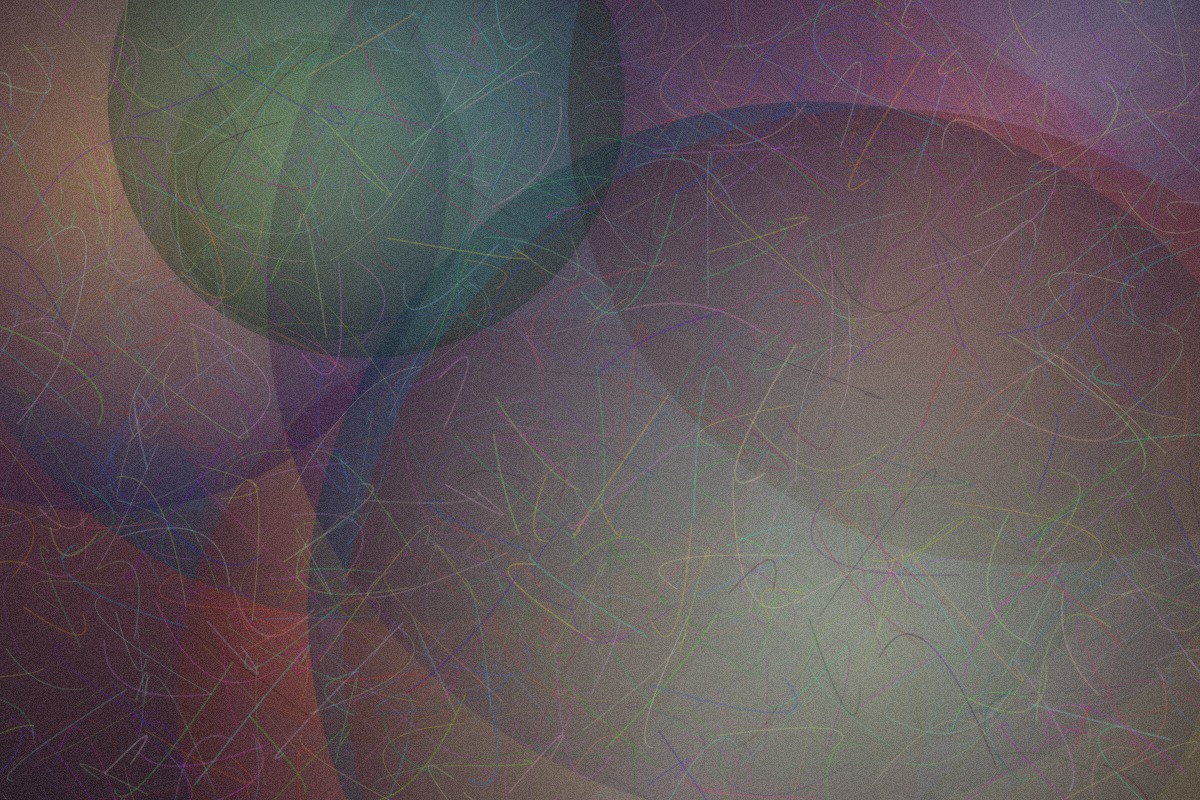
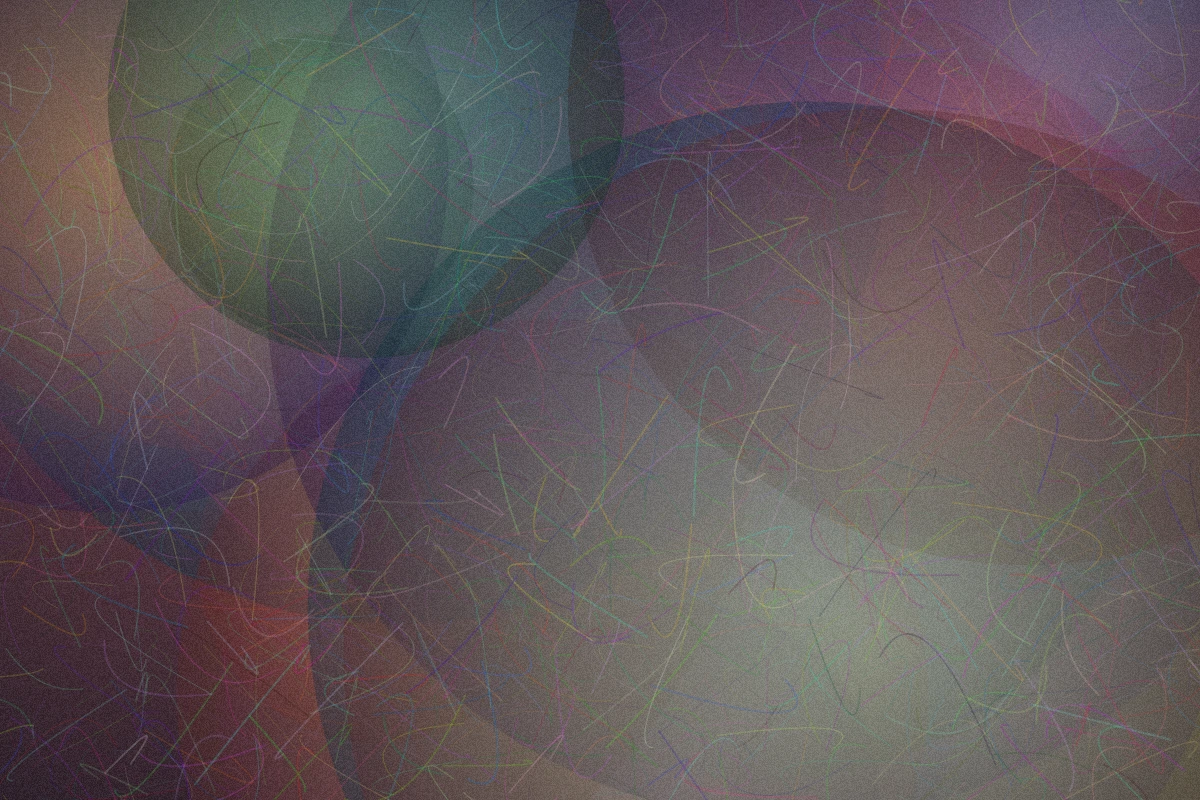
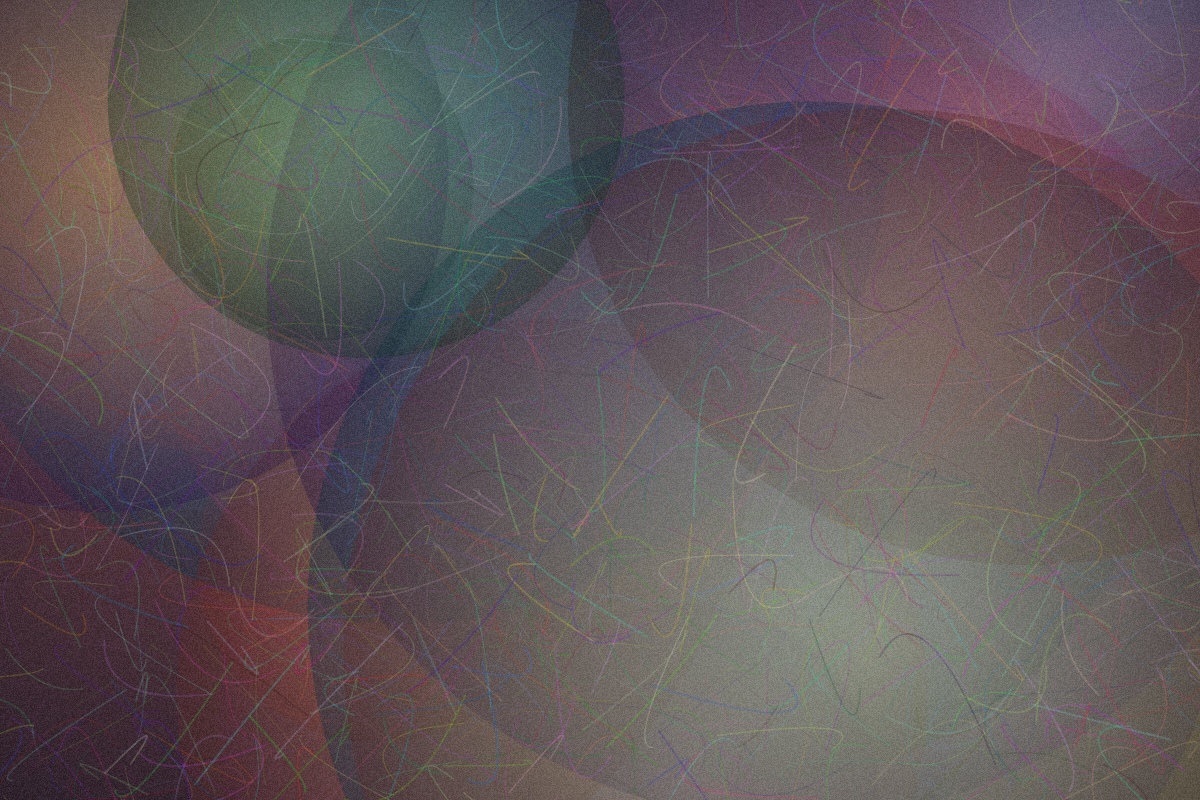
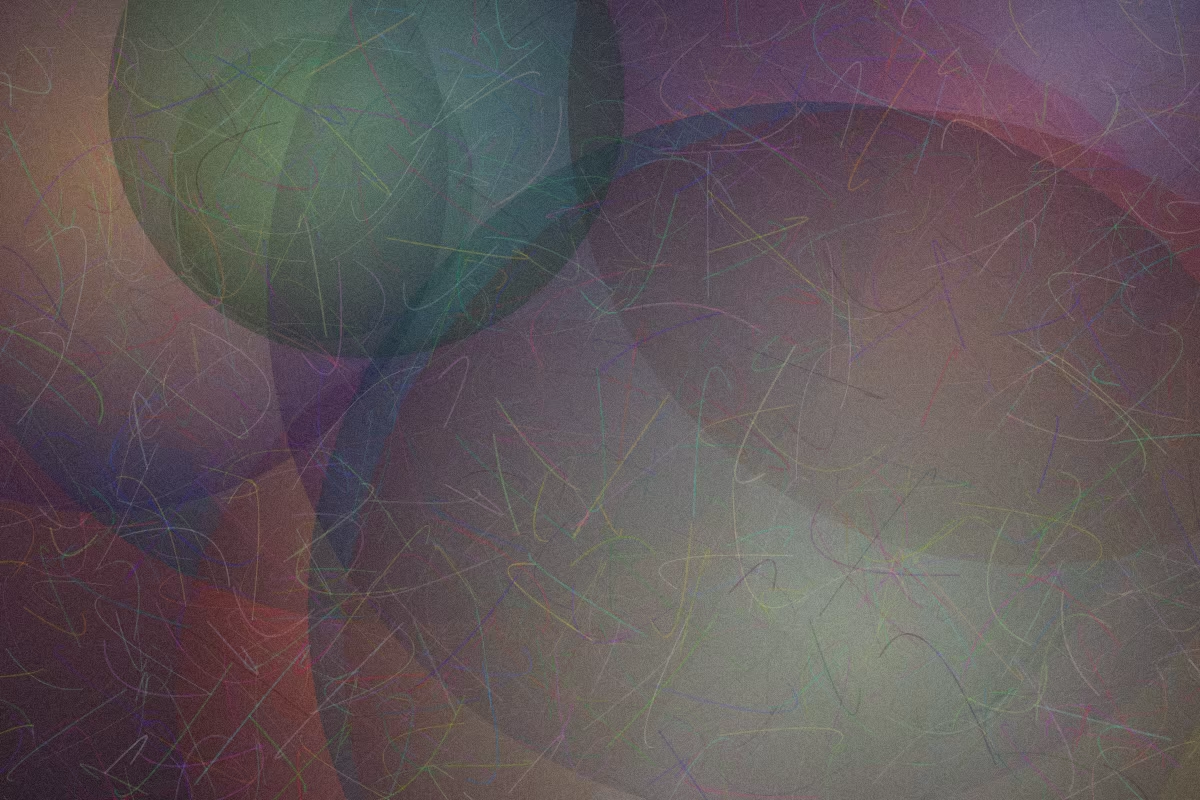
Photo-like
Soft gradients plus fine strands and film grain — the high-frequency detail a real photo has.
Download: PNG 1.88 MB JPG 330.2 KB JFIF 330.2 KB WEBP 351.5 KB BMP 2.75 MB TIFF 2.75 MB AVIF 122.3 KB HEIC 886.6 KB

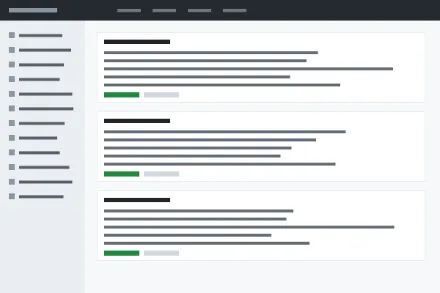
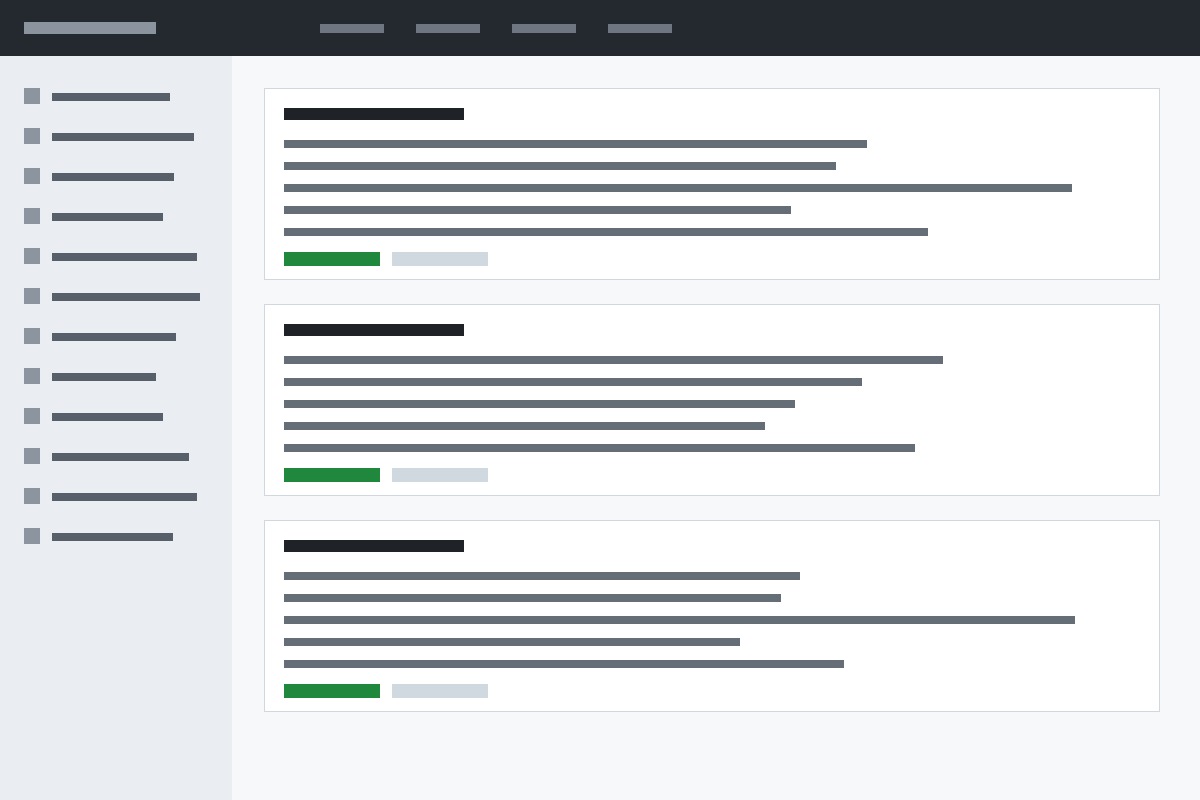
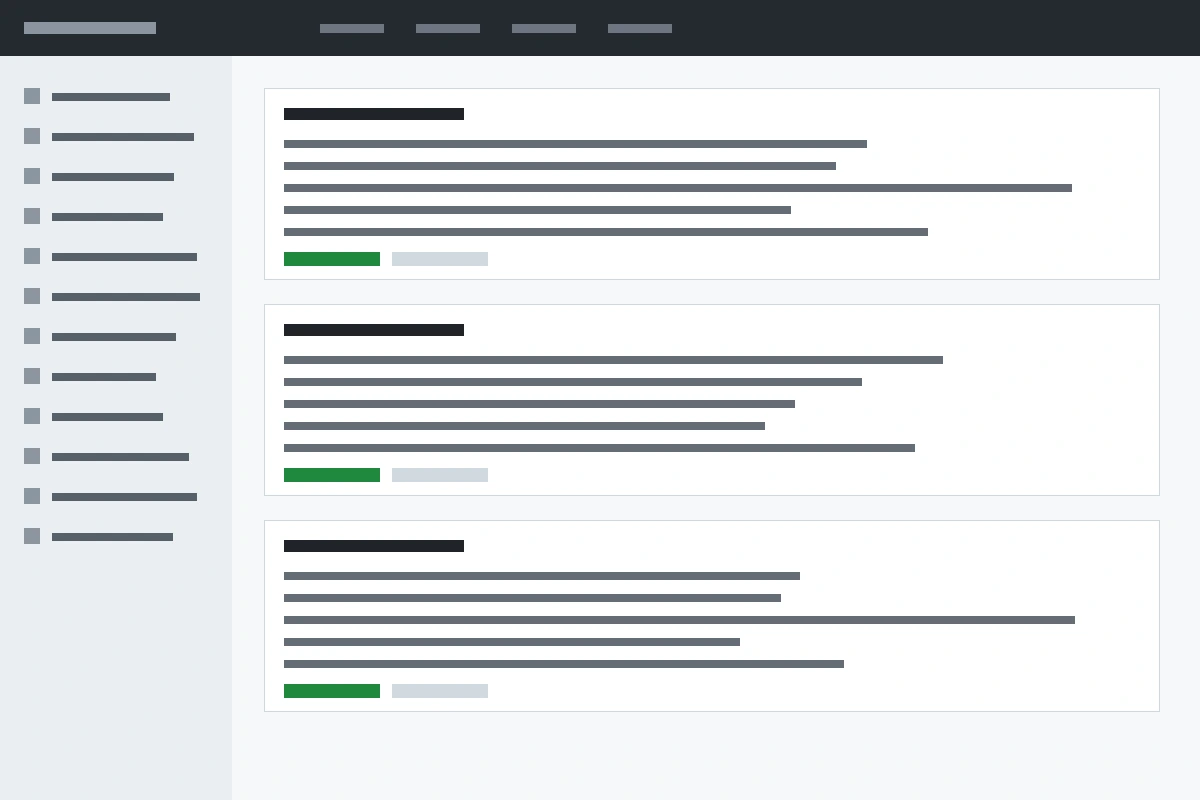
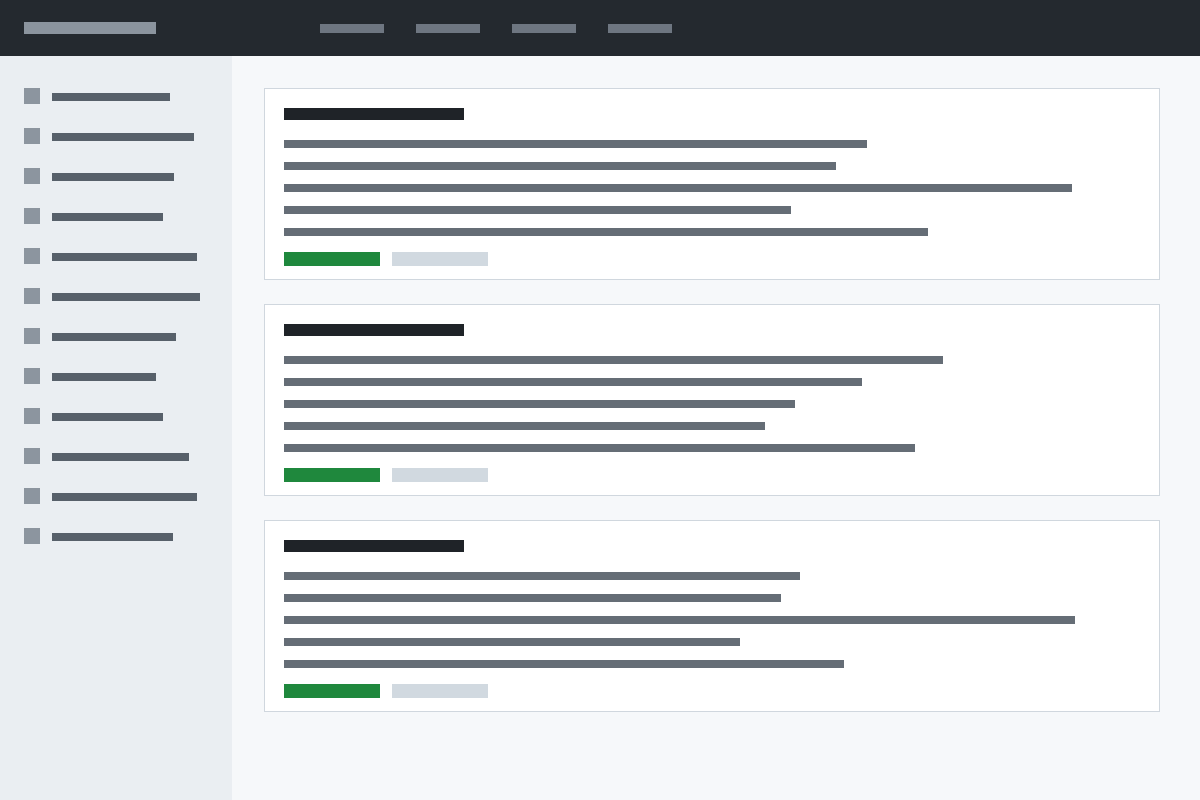
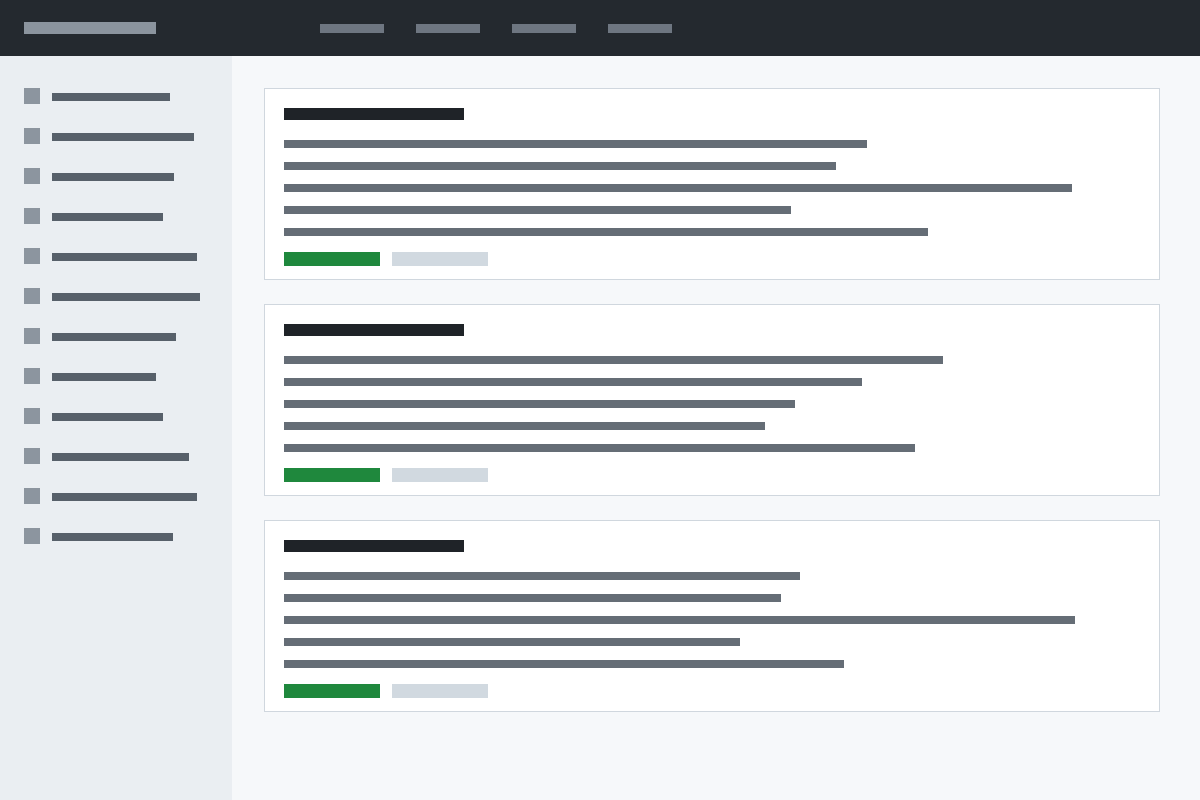
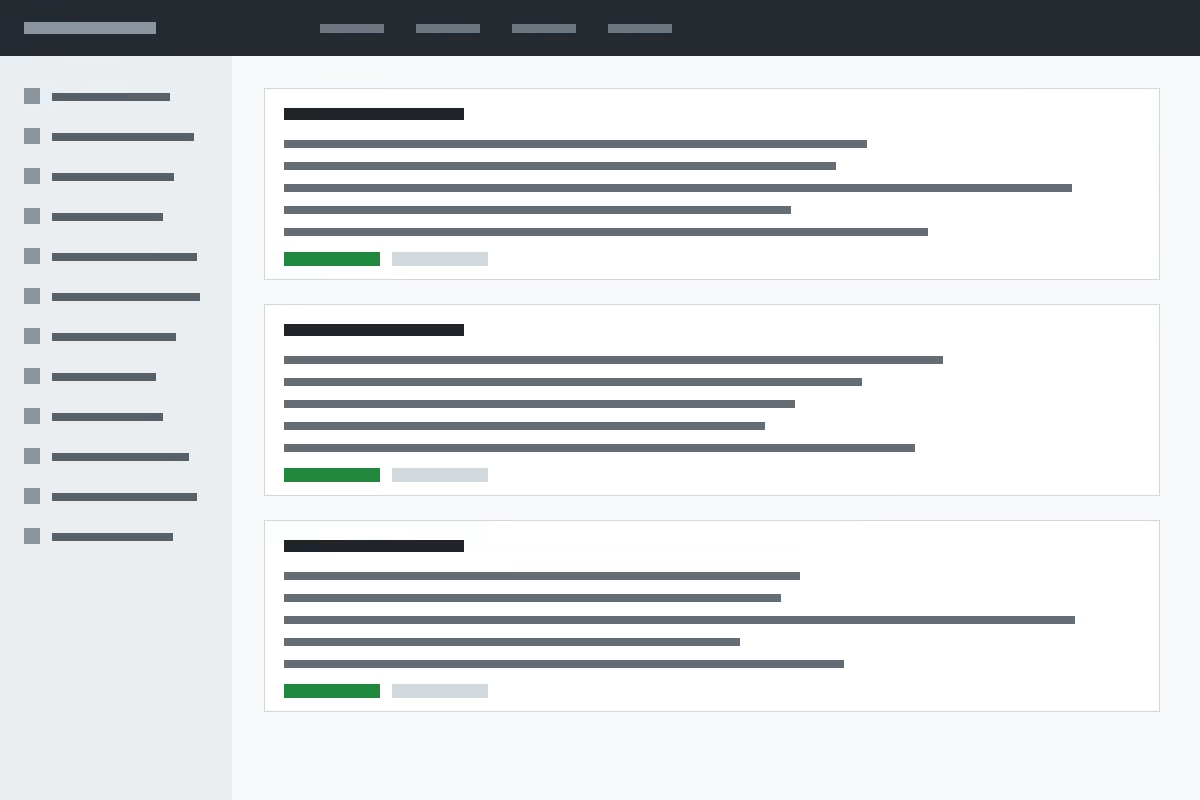
UI screenshot
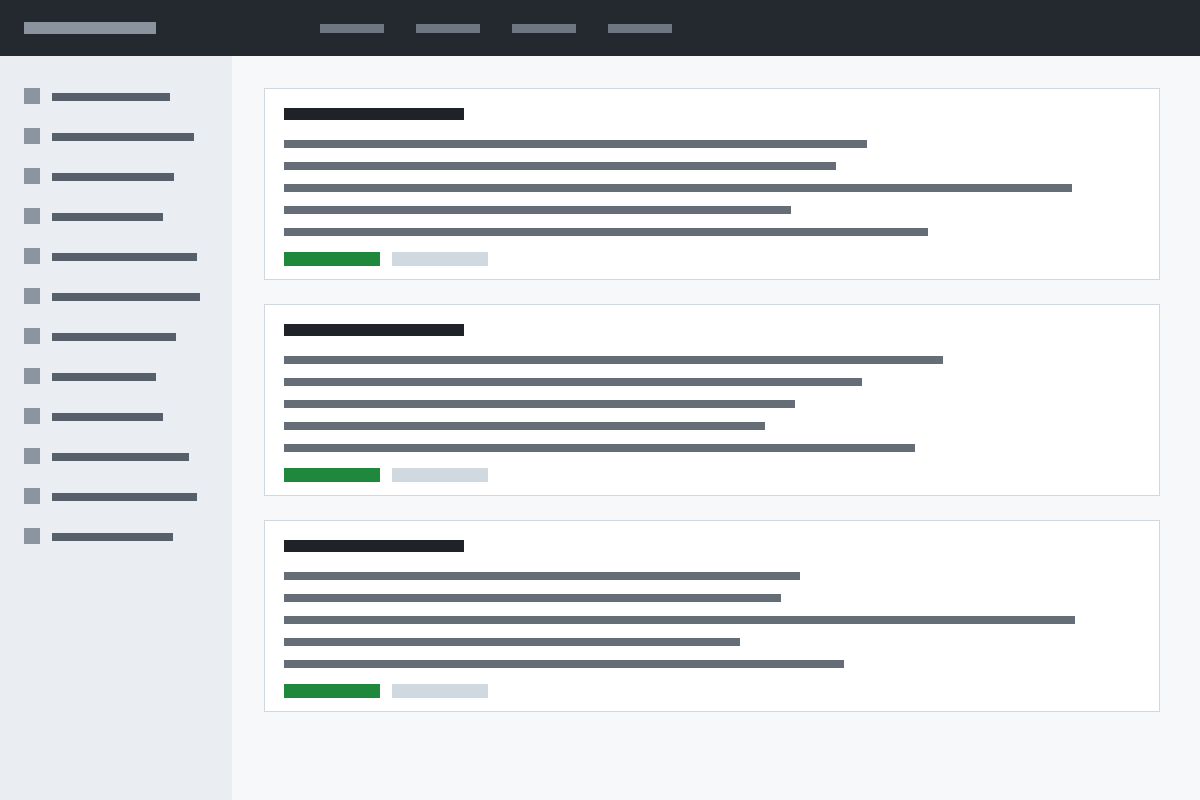
Large flat areas and hard 1-pixel borders, like a screenshot of an app.
Download: PNG 18.0 KB JPG 45.3 KB JFIF 45.3 KB WEBP 7.3 KB BMP 2.75 MB TIFF 2.75 MB GIF 10.2 KB AVIF 1.4 KB HEIC 21.9 KB

Flat illustration
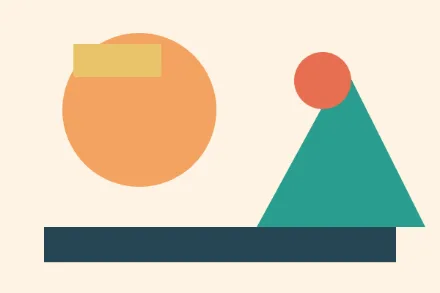
Six solid colours in big shapes, no gradients at all.
Download: PNG 34.7 KB JPG 25.6 KB JFIF 25.6 KB WEBP 10.8 KB BMP 2.75 MB TIFF 2.75 MB AVIF 3.2 KB HEIC 26.0 KB







Logo with transparency
Hard edges, few colours, and a transparent background.
Download: PNG 28.8 KB WEBP 7.6 KB GIF 4.3 KB HEIC 25.1 KB





Vector diagram
A hand-written SVG: solid shapes and one curved stroke, 574 bytes of text.
Download: SVG 574 B
5-page mixed PDF
Four text pages plus one full-page photograph, so the pages differ enormously in weight.
Download: PDF 334.1 KB
How the numbers are produced
There is no estimation step anywhere in this. For every row in every table, a script:
- draws the test images on a browser canvas and writes them to disk;
- opens the real
/convert/…page from the deployed build; - puts the file into that page's own file input — the same code path you use;
- waits for the download link to appear, fetches the resulting blob and reads its exact byte length.
Every figure on this site was produced that way on 2026-07-28 with Chromium 151.0.7922.34, using each page's default settings unless the table says otherwise.
Two caveats we would rather state than bury. First, image encoders live in the browser, not on our server, so a different browser or a newer Chromium can return slightly different sizes — these numbers are reproducible, not universal. Second, file size is not image quality: a smaller file can easily look worse, and none of these tables measure how the result looks.
What we did not measure, and why
A browser canvas can only encode three formats — ask Chromium 151 for image/avif, image/gif, image/bmp or image/tiff and you get a PNG back. So for anything outside PNG, JPEG and WebP we had to write the encoder ourselves. We have now done that for three: an uncompressed 24-bit BMP, an uncompressed baseline TIFF (which is what scanners often produce), and a GIF89a with LZW compression.
GIF is only partly covered, and the reason is GIF itself: it holds at most 256 colours. We counted the colours in our own test images — the UI capture has 13 and the transparent logo 12, so both encode exactly. But the flat illustration has 490 and the photograph 200,374, because the anti-aliased edges of the circles and the film grain produce hundreds of intermediate shades. Quantising those down would make a different image, and comparing its size against the original PNG would be meaningless. So the GIF rows use the two images that genuinely fit — which happen to be exactly what GIFs are used for in practice: flat interface captures and transparent stickers.
AVIF took a different route. An AVIF payload is an AV1 video frame, and an AV1 encoder is not something anyone writes by hand in a few hundred lines. So we generated those test files with ffmpeg and libaom-av1: -crf 23 -cpu-used 4 -still-picture 1 -pix_fmt yuv420p. The crf was chosen to sit near the quality 92 used for the JPEG and WebP sources — pitting a low-quality AVIF against a high-quality JPG would not be a fair fight. Reaching for an outside tool does not weaken the claim, because the rule here was never “the file must be born in a browser”; it is “the file must be published so anyone can reproduce the number”. The three AVIF files and the exact command are both published, so both halves can be checked.
HEIC: we said this was impossible, and we were wrong. This page used to state that HEIC could not be measured — that the ffmpeg build here has libx265 but no HEIF muxer, and that no browser or npm encoder could write a .heic either. The first half was true. The second half was us turning one tool’s limit into a general one. libheif ships its own x265 encoder, and reaching it through pillow-heif produced the four test files on the first attempt, at quality 92 to match the JPEG and WebP sources. All four are published with the rest. Worth stating precisely: these are libheif-encoded HEIC files, not photographs off an iPhone — Apple’s are often 10-bit 4:2:0 carrying their own orientation and EXIF, so your numbers will not match ours exactly. One limit does remain: there is no transparent AVIF in the corpus, because the ffmpeg AVIF muxer does not write the alpha auxiliary item and the file it produces is opaque. Checking whether transparency survives, with a file that is not transparent, would be theatre. HEIC did keep its alpha — the corpus script decodes every file straight back to verify that, and drops anything that loses it rather than publishing it.
The PDF tools were absent at first for a different reason — we assumed merging or rotating a PDF was not a file-size question. That was wrong, and the numbers are the interesting part: extracting page 3 of our test document gives 331.2 KB while page 4 gives 1.4 KB, from the same file. So all nine PDF converters are now measured too, against a 5-page document whose pages differ enormously in weight.
That puts all 38 converters on measured numbers. It is 38 rather than 36 not because we lowered the bar, but because the paragraph above used to be wrong — and fixing a sentence like that means going and finding the encoder, not editing the number.
Every measurement in one place
The same data that appears on the individual converter pages, all together. Percentages are relative to the source file. If you would rather read the conclusions than the table, we wrote them up as a decision guide: which format should you convert to, organised by what is actually in your image.
PNG to JPG Converter
Settings: page defaults
| Test case | Before | After | Change |
|---|---|---|---|
| Photo-like | 1.88 MB | 288.4 KB | −85% |
| UI screenshot | 18.0 KB | 43.5 KB | +142% |
| Flat illustration | 34.7 KB | 24.1 KB | −30% |
| Logo with transparency | 28.8 KB | 16.3 KB | −43% |
PNG to WebP Converter
Settings: page defaults
| Test case | Before | After | Change |
|---|---|---|---|
| Photo-like | 1.88 MB | 303.1 KB | −84% |
| UI screenshot | 18.0 KB | 7.3 KB | −59% |
| Flat illustration | 34.7 KB | 10.2 KB | −71% |
| Logo with transparency | 28.8 KB | 7.5 KB | −74% |
JPG to PNG Converter
Settings: page defaults
| Test case | Before | After | Change |
|---|---|---|---|
| Photo-like | 330.2 KB | 2.07 MB | +542% |
| UI screenshot | 45.3 KB | 72.8 KB | +61% |
| Flat illustration | 25.6 KB | 143.8 KB | +461% |
JPG to WebP Converter
Settings: page defaults
| Test case | Before | After | Change |
|---|---|---|---|
| Photo-like | 330.2 KB | 301.9 KB | −9% |
| UI screenshot | 45.3 KB | 7.3 KB | −84% |
| Flat illustration | 25.6 KB | 10.6 KB | −59% |
WebP to PNG Converter
Settings: page defaults
| Test case | Before | After | Change |
|---|---|---|---|
| Photo-like | 351.5 KB | 2.15 MB | +527% |
| UI screenshot | 7.3 KB | 82.3 KB | +1034% |
| Flat illustration | 10.8 KB | 94.0 KB | +769% |
| Logo with transparency | 7.6 KB | 36.9 KB | +388% |
WebP to JPG Converter
Settings: page defaults
| Test case | Before | After | Change |
|---|---|---|---|
| Photo-like | 351.5 KB | 281.2 KB | −20% |
| UI screenshot | 7.3 KB | 45.5 KB | +527% |
| Flat illustration | 10.8 KB | 23.7 KB | +119% |
| Logo with transparency | 7.6 KB | 16.5 KB | +118% |
BMP to PNG Converter
Settings: page defaults
| Test case | Before | After | Change |
|---|---|---|---|
| Photo-like | 2.75 MB | 2.25 MB | −18% |
| UI screenshot | 2.75 MB | 22.9 KB | −99% |
| Flat illustration | 2.75 MB | 40.6 KB | −99% |
BMP to JPG Converter
Settings: page defaults
| Test case | Before | After | Change |
|---|---|---|---|
| Photo-like | 2.75 MB | 288.4 KB | −90% |
| UI screenshot | 2.75 MB | 43.5 KB | −98% |
| Flat illustration | 2.75 MB | 24.1 KB | −99% |
BMP to WebP Converter
Settings: page defaults
| Test case | Before | After | Change |
|---|---|---|---|
| Photo-like | 2.75 MB | 303.1 KB | −89% |
| UI screenshot | 2.75 MB | 7.3 KB | −99% |
| Flat illustration | 2.75 MB | 10.2 KB | −99% |
JFIF to JPG Converter
Settings: page defaults
| Test case | Before | After | Change |
|---|---|---|---|
| Photo-like | 330.2 KB | 315.6 KB | −4% |
| UI screenshot | 45.3 KB | 44.8 KB | −1% |
| Flat illustration | 25.6 KB | 24.2 KB | −6% |
JFIF to PNG Converter
Settings: page defaults
| Test case | Before | After | Change |
|---|---|---|---|
| Photo-like | 330.2 KB | 2.07 MB | +542% |
| UI screenshot | 45.3 KB | 72.8 KB | +61% |
| Flat illustration | 25.6 KB | 143.8 KB | +461% |
SVG to PNG Converter
Settings: output width 512 px (the default)
| Test case | Before | After | Change |
|---|---|---|---|
| Vector diagram | 574 B | 17.9 KB | +3087% |
SVG to JPG Converter
Settings: output width 512 px (the default)
| Test case | Before | After | Change |
|---|---|---|---|
| Vector diagram | 574 B | 13.2 KB | +2262% |
SVG to WebP Converter
Settings: output width 512 px (the default)
| Test case | Before | After | Change |
|---|---|---|---|
| Vector diagram | 574 B | 6.6 KB | +1082% |
PNG to SVG Converter
Settings: detail level “balanced” (the default)
| Test case | Before | After | Change |
|---|---|---|---|
| Flat illustration | 34.7 KB | 117.0 KB | +238% |
| UI screenshot | 18.0 KB | 27.3 KB | +52% |
| Logo with transparency | 28.8 KB | 1.7 KB | −94% |
| Photo-like | 1.88 MB | 7.74 MB | +312% |
JPG to SVG Converter
Settings: detail level “balanced” (the default)
| Test case | Before | After | Change |
|---|---|---|---|
| Flat illustration | 25.6 KB | 198.0 KB | +672% |
| UI screenshot | 45.3 KB | 302.1 KB | +568% |
| Photo-like | 330.2 KB | 7.49 MB | +2224% |
Image Compressor
Settings: WebP, quality 80 (the defaults)
| Test case | Before | After | Change |
|---|---|---|---|
| Photo-like | 330.2 KB | 178.7 KB | −46% |
| UI screenshot | 45.3 KB | 6.7 KB | −85% |
| Flat illustration | 25.6 KB | 7.7 KB | −70% |
Image Resizer
Settings: resized to 800 px wide, aspect ratio locked
| Test case | Before | After | Change |
|---|---|---|---|
| Photo-like | 1.88 MB | 967.2 KB | −50% |
| UI screenshot | 18.0 KB | 15.3 KB | −15% |
| Flat illustration | 34.7 KB | 28.8 KB | −17% |
| Logo with transparency | 28.8 KB | 17.2 KB | −40% |
PNG to ICO (Favicon Generator)
Settings: page defaults
| Test case | Before | After | Change |
|---|---|---|---|
| Logo with transparency | 28.8 KB | 951 B | −97% |
| Flat illustration | 34.7 KB | 1.3 KB | −96% |
Merge PDF
Settings: page defaults
| Test case | Before | After | Change |
|---|---|---|---|
| mixed + text-only | 336.9 KB | 336.0 KB | −<1% |
Split PDF
Settings: page defaults
| Test case | Before | After | Change |
|---|---|---|---|
| extract page 3 (photo) | 334.1 KB | 331.2 KB | −<1% |
| extract page 4 (text) | 334.1 KB | 1.4 KB | −99% |
Rotate PDF
Settings: page defaults
| Test case | Before | After | Change |
|---|---|---|---|
| rotate every page 90° | 334.1 KB | 334.1 KB | +<1% |
Compress PDF
Settings: page defaults
| Test case | Before | After | Change |
|---|---|---|---|
| compress, default quality | 334.1 KB | 167.6 KB | −50% |
Organize PDF Pages (Delete / Reorder)
Settings: page defaults
| Test case | Before | After | Change |
|---|---|---|---|
| delete page 3 (photo) | 334.1 KB | 3.4 KB | −99% |
| delete page 4 (text) | 334.1 KB | 333.3 KB | −<1% |
PDF to JPG Converter
Settings: page defaults
| Test case | Before | After | Change |
|---|---|---|---|
| page 3 rendered (photo) | 334.1 KB | 276.2 KB | −17% |
| page 4 rendered (text) | 334.1 KB | 70.7 KB | −79% |
PDF to PNG Converter
Settings: page defaults
| Test case | Before | After | Change |
|---|---|---|---|
| page 3 rendered (photo) | 334.1 KB | 1.97 MB | +504% |
| page 4 rendered (text) | 334.1 KB | 114.6 KB | −66% |
JPG to PDF Converter
Settings: page defaults
| Test case | Before | After | Change |
|---|---|---|---|
| Photo-like | 330.2 KB | 331.1 KB | +<1% |
PNG to PDF Converter
Settings: page defaults
| Test case | Before | After | Change |
|---|---|---|---|
| Photo-like | 1.88 MB | 2.08 MB | +11% |
GIF to PNG Converter
Settings: page defaults
| Test case | Before | After | Change |
|---|---|---|---|
| UI screenshot | 10.2 KB | 22.9 KB | +125% |
| Logo with transparency | 4.3 KB | 26.0 KB | +507% |
GIF to JPG Converter
Settings: page defaults
| Test case | Before | After | Change |
|---|---|---|---|
| UI screenshot | 10.2 KB | 43.5 KB | +327% |
| Logo with transparency | 4.3 KB | 17.3 KB | +304% |
GIF to WebP Converter
Settings: page defaults
| Test case | Before | After | Change |
|---|---|---|---|
| UI screenshot | 10.2 KB | 7.3 KB | −29% |
| Logo with transparency | 4.3 KB | 5.4 KB | +27% |
TIFF to JPG Converter
Settings: page defaults
| Test case | Before | After | Change |
|---|---|---|---|
| Photo-like | 2.75 MB | 288.4 KB | −90% |
| UI screenshot | 2.75 MB | 43.5 KB | −98% |
| Flat illustration | 2.75 MB | 24.1 KB | −99% |
TIFF to PNG Converter
Settings: page defaults
| Test case | Before | After | Change |
|---|---|---|---|
| Photo-like | 2.75 MB | 2.25 MB | −18% |
| UI screenshot | 2.75 MB | 22.9 KB | −99% |
| Flat illustration | 2.75 MB | 40.6 KB | −99% |
AVIF to PNG Converter
Settings: page defaults
| Test case | Before | After | Change |
|---|---|---|---|
| Photo-like | 122.3 KB | 1.95 MB | +1532% |
| UI screenshot | 1.4 KB | 36.5 KB | +2442% |
| Flat illustration | 3.2 KB | 90.6 KB | +2704% |
AVIF to JPG Converter
Settings: page defaults
| Test case | Before | After | Change |
|---|---|---|---|
| Photo-like | 122.3 KB | 231.6 KB | +89% |
| UI screenshot | 1.4 KB | 43.7 KB | +2942% |
| Flat illustration | 3.2 KB | 23.5 KB | +626% |
AVIF to WebP Converter
Settings: page defaults
| Test case | Before | After | Change |
|---|---|---|---|
| Photo-like | 122.3 KB | 234.4 KB | +92% |
| UI screenshot | 1.4 KB | 6.9 KB | +378% |
| Flat illustration | 3.2 KB | 9.9 KB | +208% |
HEIC to JPG Converter
Settings: page defaults
| Test case | Before | After | Change |
|---|---|---|---|
| Photo-like | 886.6 KB | 288.4 KB | −67% |
| UI screenshot | 21.9 KB | 43.4 KB | +98% |
| Flat illustration | 26.0 KB | 24.0 KB | −8% |
| Logo with transparency | 25.1 KB | 15.2 KB | −39% |
HEIC to PNG Converter
Settings: page defaults
| Test case | Before | After | Change |
|---|---|---|---|
| Photo-like | 886.6 KB | 1.82 MB | +110% |
| UI screenshot | 21.9 KB | 28.8 KB | +31% |
| Flat illustration | 26.0 KB | 48.3 KB | +86% |
| Logo with transparency | 25.1 KB | 30.8 KB | +23% |
Repeat it yourself
Nothing here depends on our cooperation. Download a test image above, open the matching converter page, drop the file in, and compare what the tool reports with the row in the table. The tools run entirely in your browser, and the source files are the same ones we used.
Six things the whole table taught us
- There is no "smaller format", only a smaller format for a given picture. The single widest spread in the data is one converter with default settings: −85% for the photo, +142% for the screenshot.
- WebP wins almost everywhere — but "almost" is the honest word. From PNG, JPG, BMP and TIFF sources every WebP output was smaller than its input. From AVIF it never was, and could not be. Then we added GIF and found the exception: our 4.3 KB transparent GIF came out at 5.4 KB, up 27%. A modern codec has little left to win against a 4 KB palette image.
- Converting to a lossless format never recovers quality but always costs size. JPG → PNG grew the photo by 542%, and the image is still exactly as damaged as the JPG was.
- BMP file size is completely independent of content. All three BMP sources are byte-for-byte 2.75 MB, whether they hold a noisy photo or six flat colours. That is what "no compression" means in practice.
- Vector to raster is a one-way door. A 574-byte SVG becomes 6.6 to 17.9 KB once rasterised and stops being scalable, and going back the other way only works on flat art — tracing the photo produced a 7.74 MB pile of paths.
- The most lopsided rows in the table are the AVIF ones, and they are a compliment to AVIF. Our 1200 × 800 UI capture fits into 1,472 bytes as AVIF; converting it costs +378% as WebP, +2442% as PNG and +2942% as JPG. There is no size argument for leaving AVIF, only a compatibility one — which is exactly what those three pages are for.